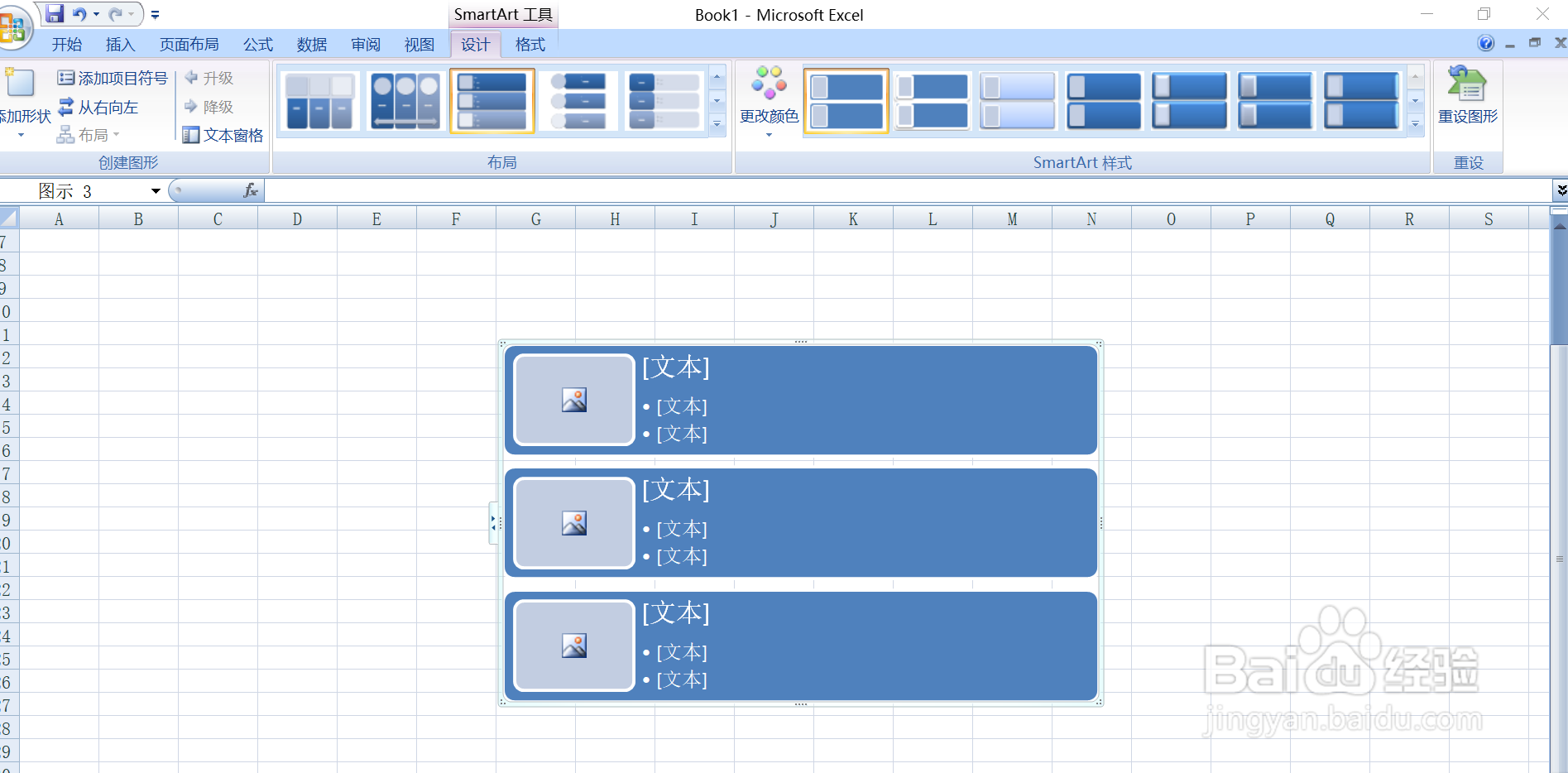
用Excel如何插入SmartArt的垂直图片列表
1、打开Excel,如下图所示

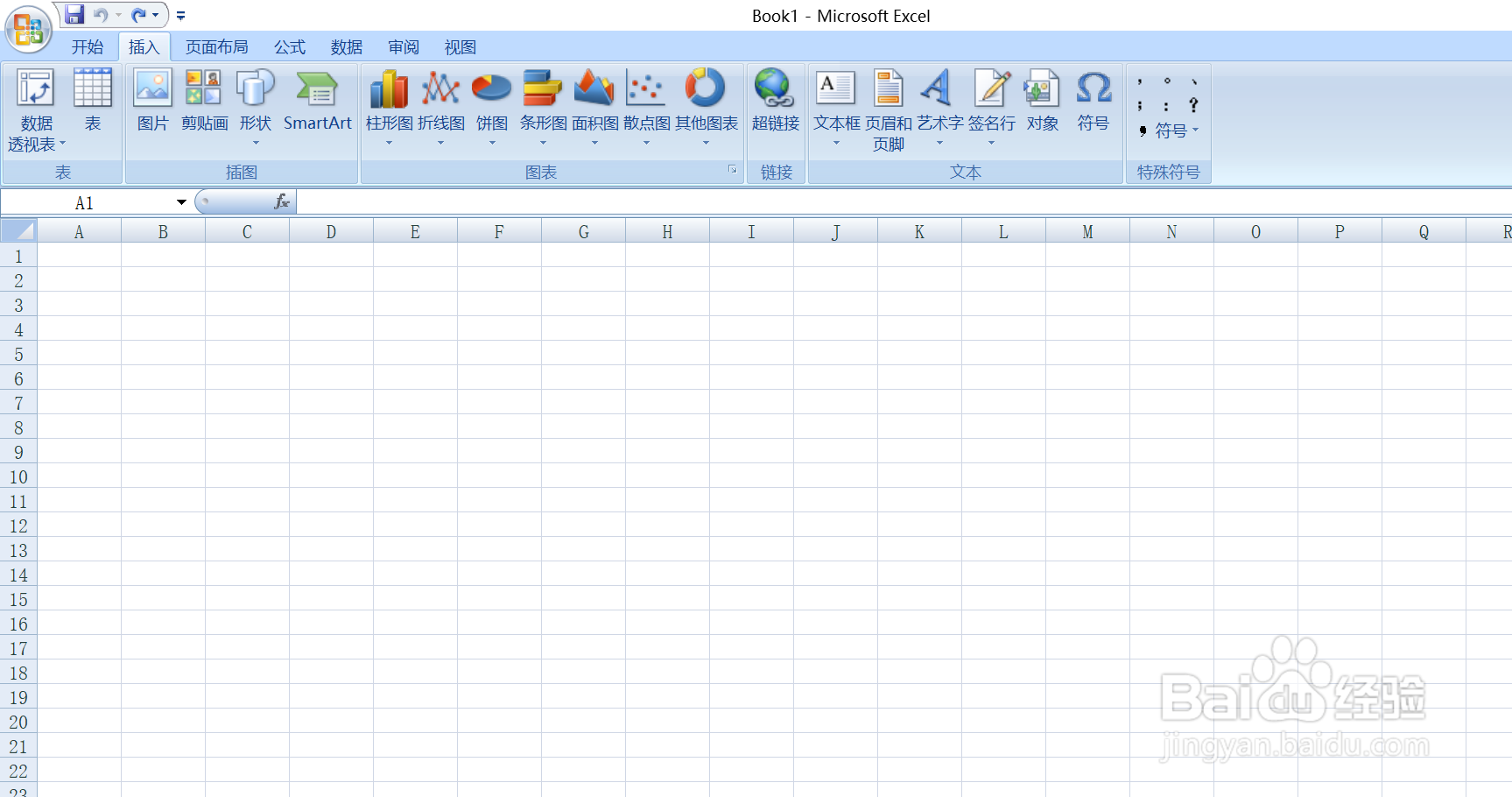
2、打开的界面,如下图所示
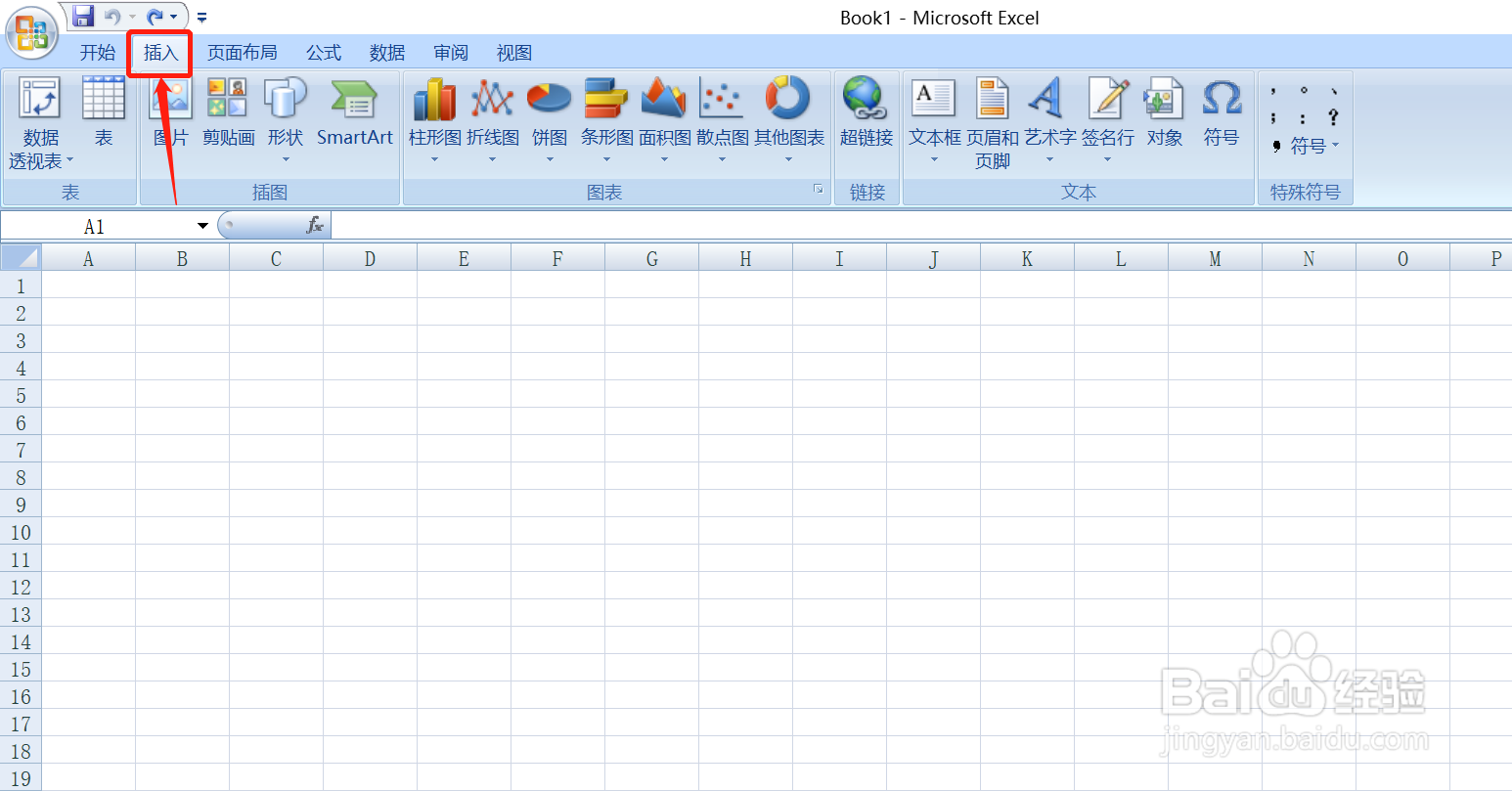
3、点击插入,如下图所示
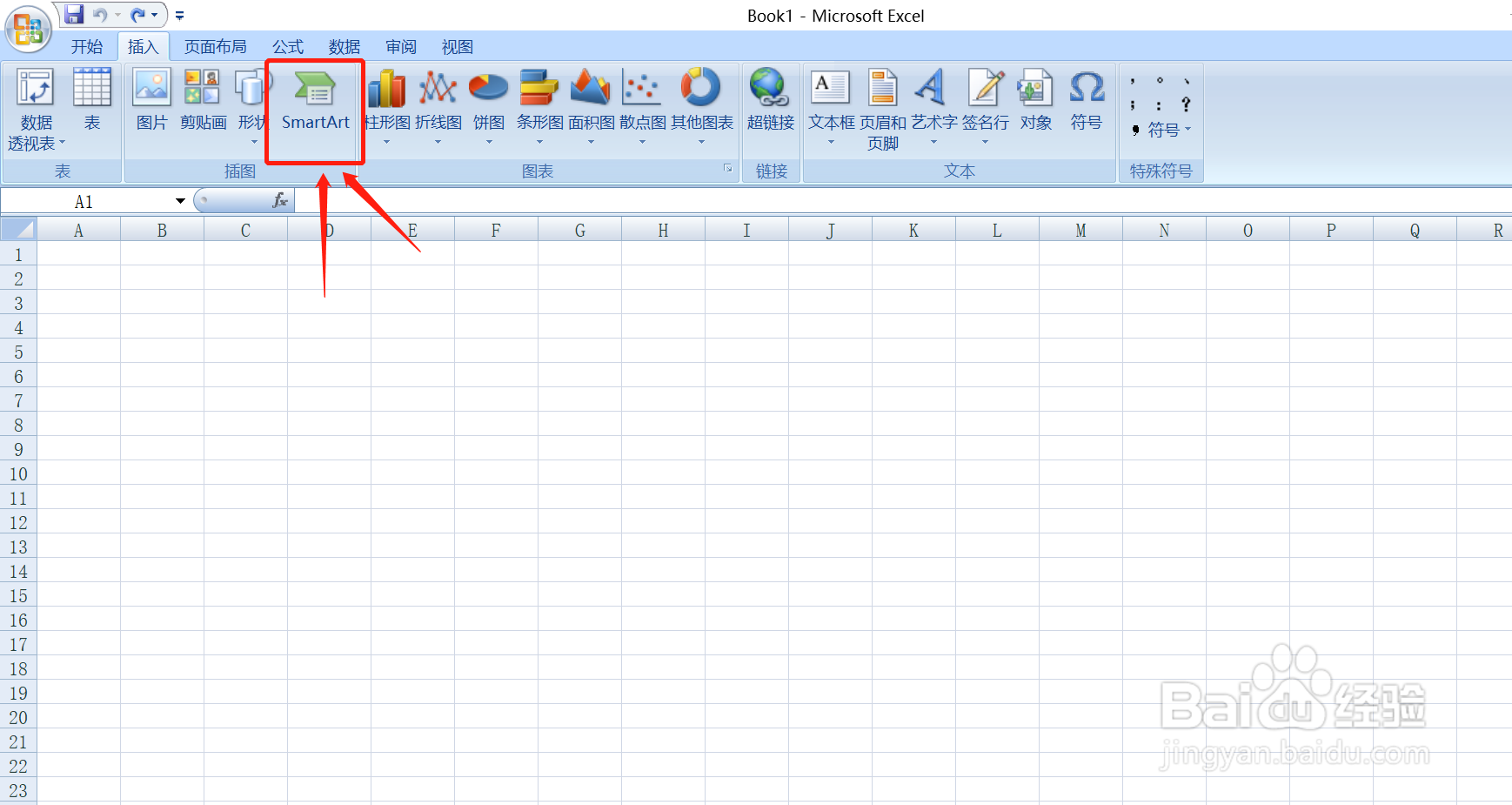
4、点击插入的SmartArt,如下图所示
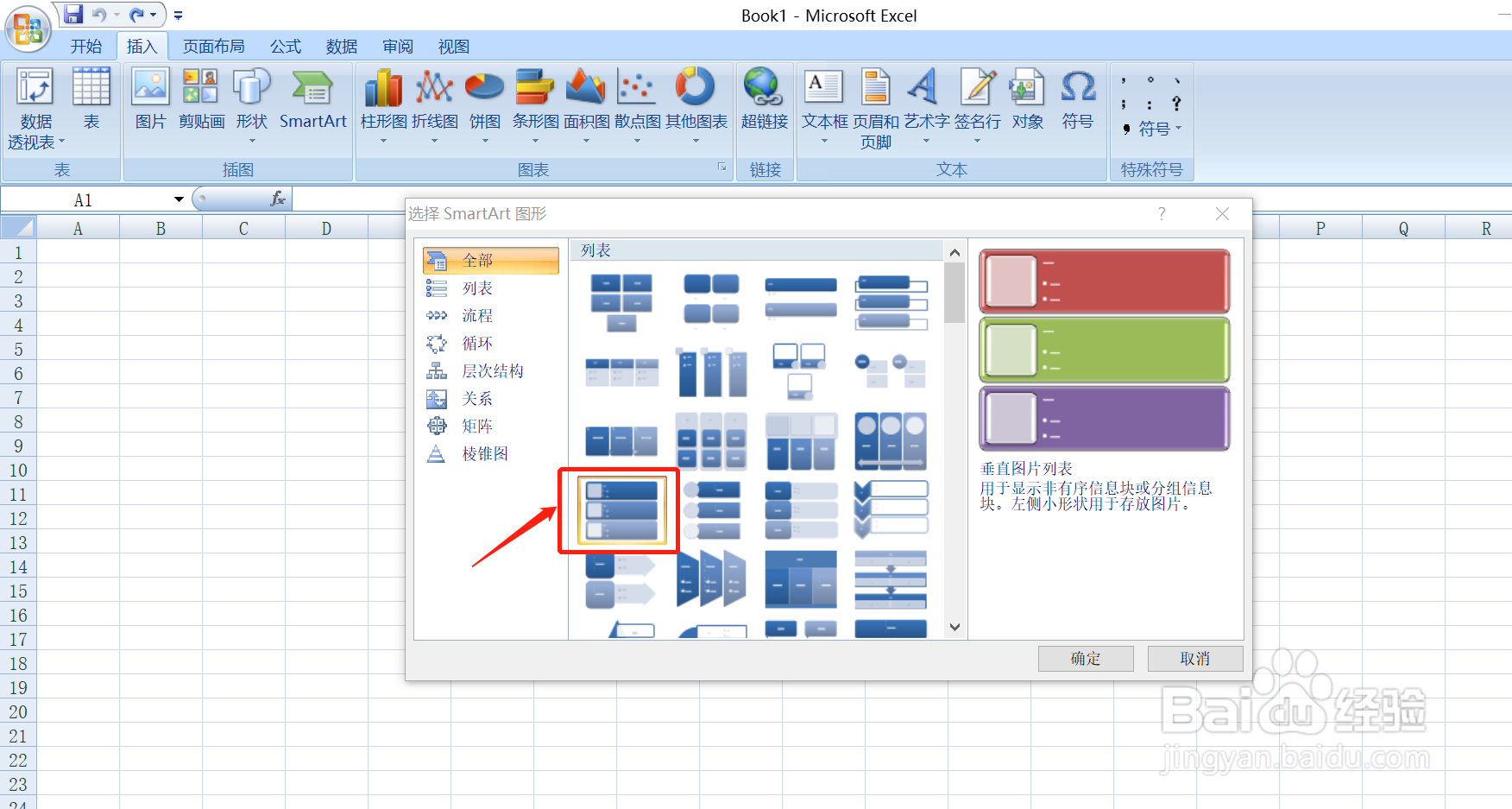
5、点击SmartArt里面的垂直图片列表,如下图所示
6、最后的效果,如下图所示
阅读量:72
阅读量:168
阅读量:129
阅读量:124
阅读量:84
1、打开Excel,如下图所示
2、打开的界面,如下图所示
3、点击插入,如下图所示
4、点击插入的SmartArt,如下图所示
5、点击SmartArt里面的垂直图片列表,如下图所示
6、最后的效果,如下图所示