为经典版eclipse增加web and JavaEE插件
1、在Eclipse中菜单help选项中选择install new software选项,
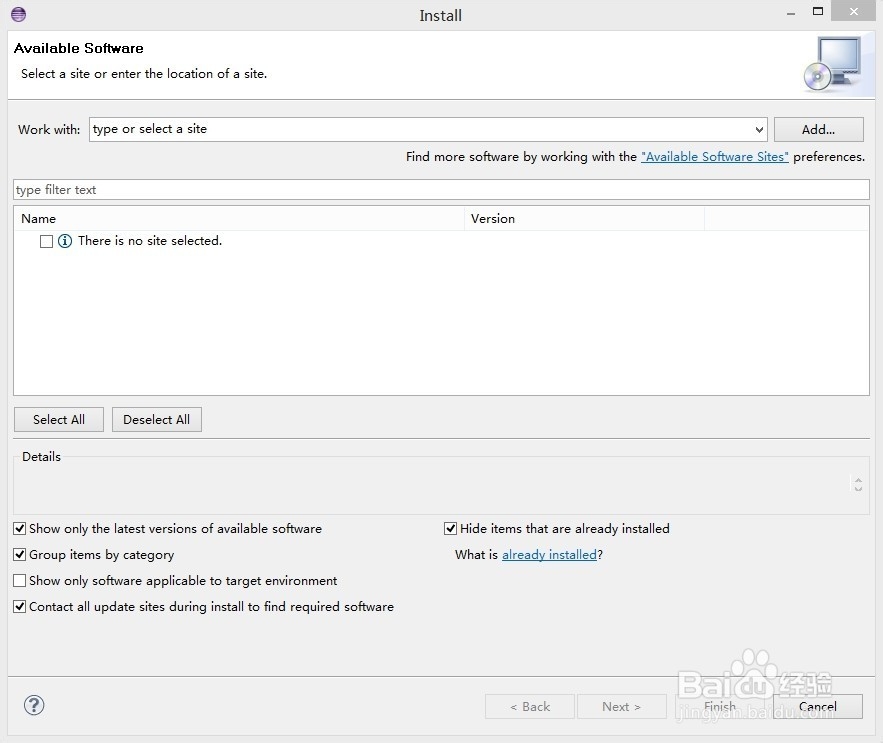
2、在work with 栏中输入 http://download.eclipse.org/releases/ganymede/
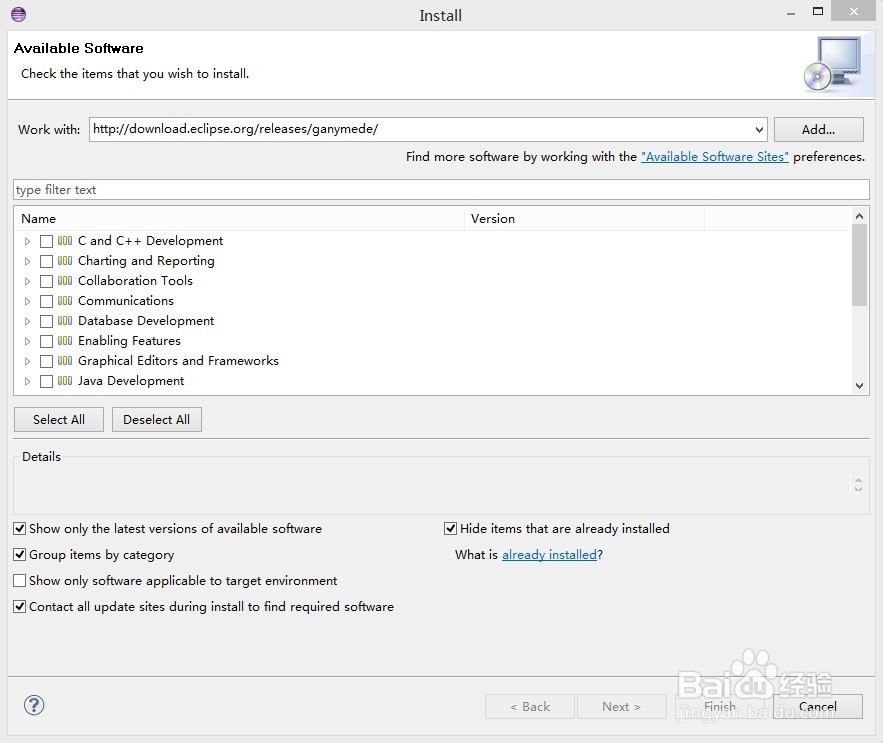
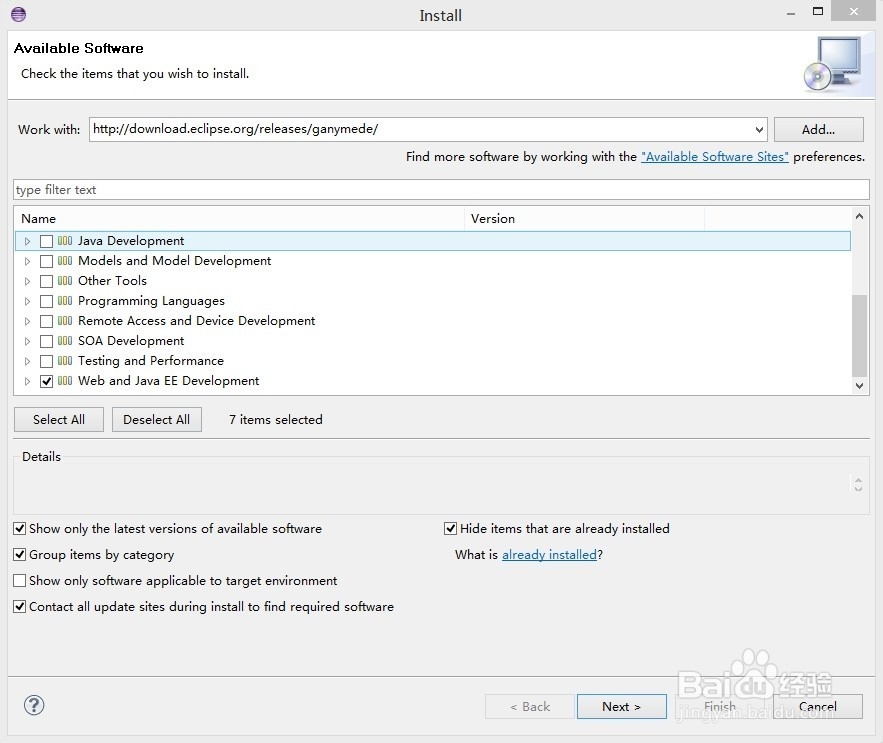
3、选择web and java ee development选项,然后选择next
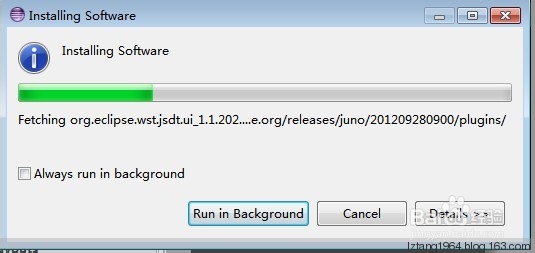
4、最终开始安装插件
阅读量:193
阅读量:94
阅读量:178
阅读量:115
阅读量:168
1、在Eclipse中菜单help选项中选择install new software选项,
2、在work with 栏中输入 http://download.eclipse.org/releases/ganymede/
3、选择web and java ee development选项,然后选择next
4、最终开始安装插件