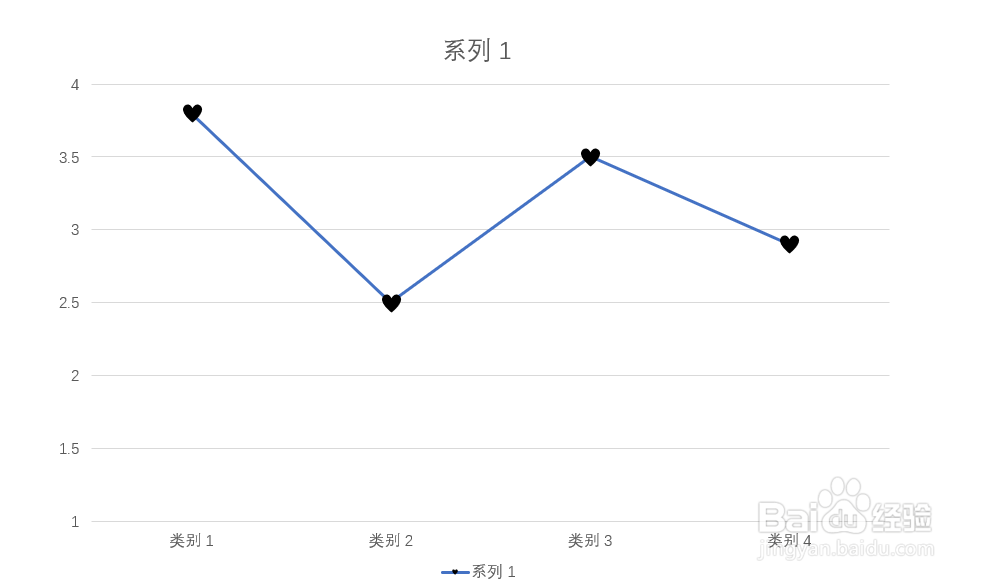
Powerpoint折线图中心形标记的设置方法
1、在Powerpoint中插入空心标记折线图。

2、选中折线,激活菜单上方的图表工具菜单,点击其中的格式。

3、在格式下选择形状填充。
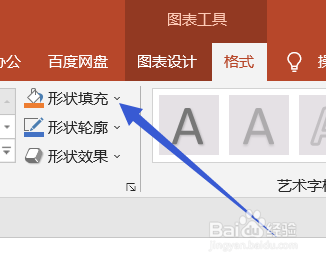
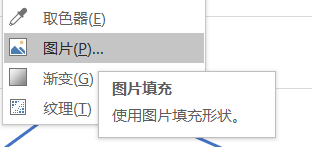
4、在形状填充下拉菜单中选择图片。找到心形图片。
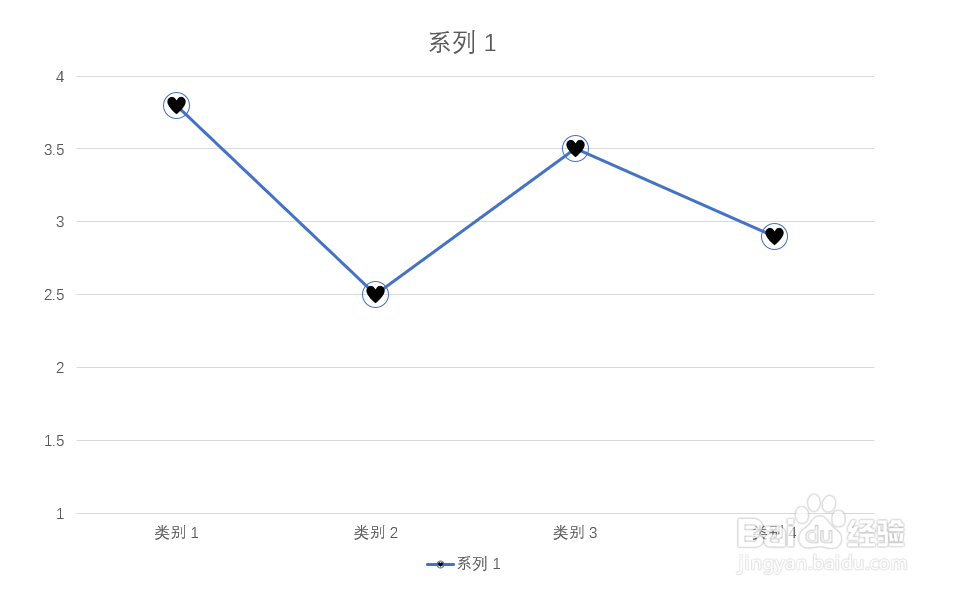
5、标记中就填充了心形。
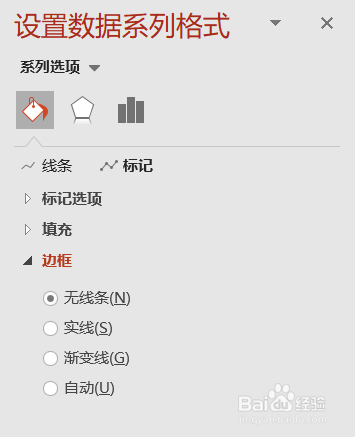
6、在设置数据系列格式中将标记的表框设置为无线条。
7、心形标记的折线图就设置好了。
阅读量:29
阅读量:150
阅读量:88
阅读量:103
阅读量:38
1、在Powerpoint中插入空心标记折线图。
2、选中折线,激活菜单上方的图表工具菜单,点击其中的格式。
3、在格式下选择形状填充。
4、在形状填充下拉菜单中选择图片。找到心形图片。
5、标记中就填充了心形。
6、在设置数据系列格式中将标记的表框设置为无线条。
7、心形标记的折线图就设置好了。